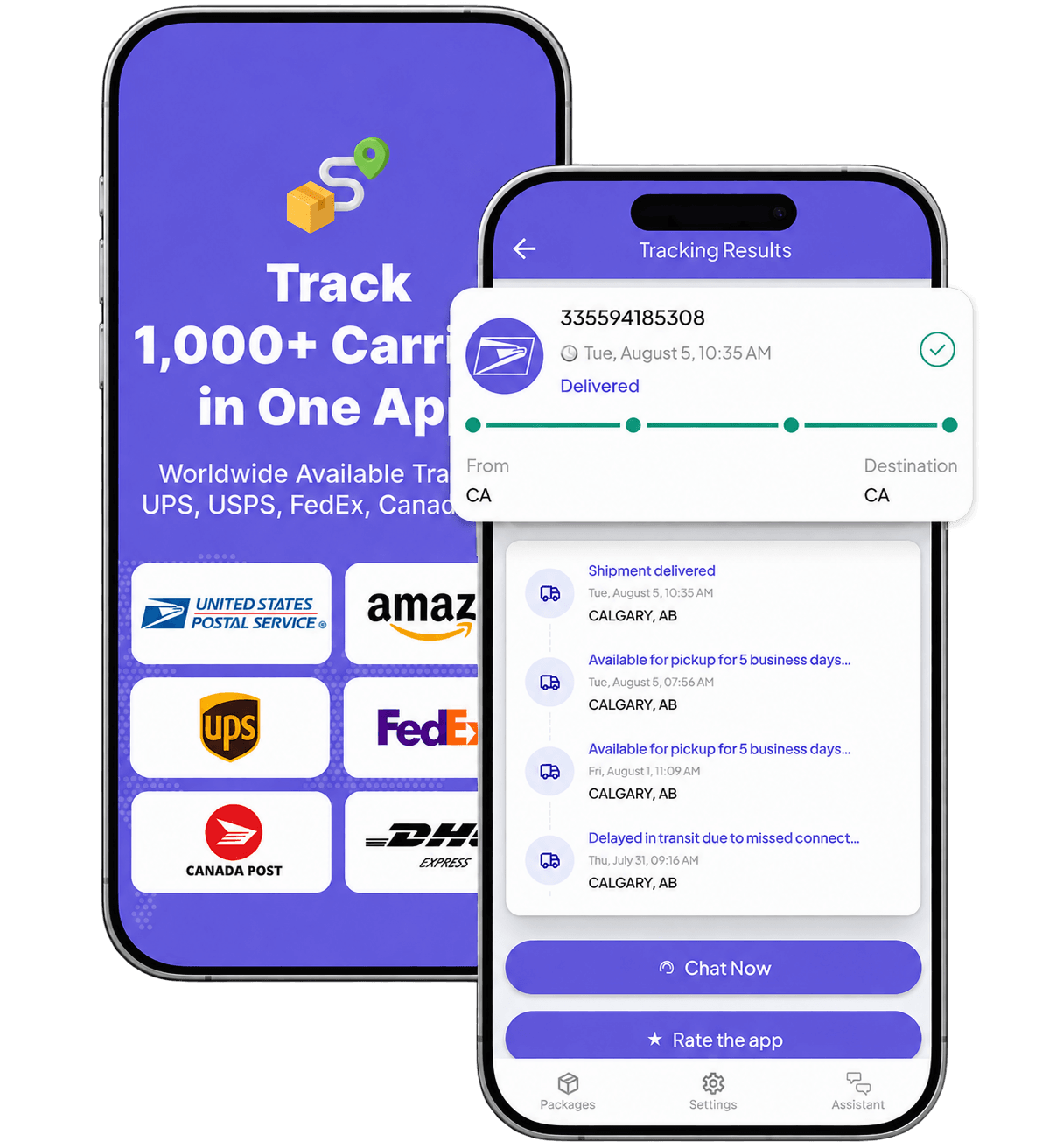
Track a Veho package
- Find the Veho tracking ID in the Veho SMS link or the original merchant's shipping-confirmation email.
- Enter it on the official Veho Tracking page or use the Veho mobile app.
- Read the newest shipment-specific event, estimated window, delivery instructions, and any proof actually shown for your delivery.
- If the ID is missing, copied incorrectly, or not recognized, verify the identifier before treating the lookup failure as proof that the parcel was never shipped or is lost.
If you are not sure you have the correct carrier identifier, use How to Find and Verify a Tracking Number. If the exact Veho ID still returns no usable record, continue with Tracking Number Not Found.
What a Veho tracking record proves
A Veho tracking record is useful evidence, but the existence of an electronic record is not the same thing as physical custody.
Veho's current client Terms distinguish between an accepted Services Request and Tender. Veho can accept an electronic request and generate a Veho label before the parcel is physically tendered. The same Terms define Tender as the shipper providing the parcel to Veho or a third-party carrier of Veho.
For a recipient, the practical rule is:
- a Veho ID or generated label confirms that shipment data exists in the Veho workflow;
- it does not by itself prove that the parcel has already been physically handed over;
- a later shipment-specific event showing pickup, receipt, route activity, or another physical handoff is stronger evidence of movement or possession.
This distinction matters when tracking exists but does not update. If an active record later stops showing new events, use Tracking Not Updating rather than assuming the package is lost.
Delivery instructions and address changes
Veho's current Customer FAQ says recipients can update delivery instructions through the tracking page, mobile app, or Veho Support. These can include:
- access codes;
- preferred drop-off instructions;
- a photo of the preferred delivery spot.
Veho says it passes those instructions to delivery drivers, but it also states that fulfilling every instruction cannot be guaranteed.
For a specific Veho delivery, the current FAQ allows address editing through the tracking page or app when the new address is within Veho's supported delivery area. Permanent address changes belong with the original merchant. If the address is outside the supported area or the update fails, use Veho Support.
11Tracking cannot change a Veho delivery address or instructions. For broader questions about rerouting, holds, intercepts, or which party has authority to change a shipment, use Change a Delivery Address, Reroute, Hold, or Intercept.
Delivery timing and facility pickup
Veho can show an estimated delivery window on the tracking page or in the app. The current general Customer FAQ says recipients cannot request a specific delivery day or time.
Treat the displayed window as an estimate for that shipment, not as a universal delivery guarantee. Veho's client Terms also treat quoted transportation times as estimates unless a governing Order Form says otherwise; separate shipper products can have their own commercial promise structure.
The current Customer FAQ also says Veho does not currently offer customer pickup from a Veho facility. Because this is an operational rule, check the current Veho FAQ if pickup availability becomes important.
PIN-required Veho deliveries
A Veho delivery PIN is not a tracking number.
The current FAQ says PIN delivery applies when the merchant has requested an in-person handoff. For those shipments:
- the PIN is a unique 4-digit delivery credential;
- it is sent on delivery day after the driver has picked up the package;
- the recipient can also view it on the logged-in Veho tracking page;
- another trusted person can use a shared PIN to accept the package;
- current PIN-specific attempt and expiry rules apply to that PIN-required delivery.
Do not apply those PIN rules to an ordinary Veho shipment that does not require a PIN. Do not enter a delivery PIN into 11Tracking or another unrelated tracking field.
Delivery photos, signatures, GPS, and Delivered
Veho uses several kinds of delivery evidence, but they do not form one universal proof package for every recipient.
The current Customer FAQ says Veho drivers may take delivery photos and that recipients with a missing-after-delivery issue should review the delivery photos sent to them. Veho's mobile notification terms say a delivery message often contains an image or signature serving as proof of delivery. In the separate shipper contract, a GPS stamp or a photo at the consignee address can be sufficient evidence of contractual Completed Services.
Those statements have different scopes:
- a delivery photo may exist;
- an SMS may contain an image or signature;
- GPS or a photo can satisfy a shipper-contract completion rule;
- none of that proves that every recipient can see every proof type;
- a Delivered or completed-delivery record does not by itself prove that the named recipient personally received the parcel.
If you need to retrieve or understand a delivery photo, signature, signer, or other proof object, use Proof of Delivery, Photo, or Signature. If the photo, signature, GPS/location, timestamp, or other proof appears materially wrong, use Challenge Incorrect Proof of Delivery.
Delivered but missing, damaged, or lost
Veho and the merchant control different parts of the problem.
For a package that appears delivered but cannot be found, Veho's current FAQ directs the recipient to review delivery photos, check with household members, and contact Veho Support so Veho can investigate the delivery.
For consumer money or merchandise outcomes, the current FAQ draws a separate boundary:
- Veho handles delivery-level support and investigation;
- the merchant decides refunds and replacements under its own policies;
- if a package is verified lost, the merchant is responsible for initiating the claim process with Veho;
- Veho says it does not issue claim payments directly to consumers.
If the package is marked Delivered but is missing, use Package Says Delivered but I Did Not Receive It for the broader recovery sequence.
If you are unsure which party controls the next action, use Who Should I Contact About a Package?.
Third-party transportation and secondary tracking numbers
Veho's current client Terms describe transportation-related services as being arranged by Veho in a third-party intermediary role, with physical transportation performed by third-party carriers as applicable.
That operating model does not make another carrier an exact Veho alias. It also does not establish that every Veho shipment will expose a second or local tracking number to the recipient.
The current Veho Customer FAQ and client Terms reviewed for this page do not establish a universal recipient-facing secondary-number field or guaranteed downstream-carrier number. A particular shipment can still expose another identifier or partner record.
If your actual shipment record names another carrier or gives you another carrier-linked tracking number, use that item-level evidence. For a structured identification process, use Find the Last-Mile Carrier and Local Tracking Number.
Veho coverage
Veho publishes an official Active Coverage page that separates current active ZIP coverage from upcoming activations.
Do not treat a planned activation or expansion target as proof that a particular ZIP is already active. Shipment-specific availability can also depend on the merchant, service, route, and delivery area. This tracking page therefore does not publish a fixed ZIP count or market count.
When another guide owns the problem
This page owns Veho-specific tracking, the Veho tracking ID, recipient controls, Veho evidence limits, and Veho-versus-merchant routing. Use a specialist guide when the problem becomes generic:
- Wrong, missing, or uncertain identifier → Find and Verify a Tracking Number
- Exact Veho ID is not recognized → Tracking Number Not Found
- A previously active record stops updating → Tracking Not Updating
- Delivered record but no package → Delivered but Not Received
- Need the actual delivery photo/signature/POD → Proof of Delivery
- Need to change, hold, reroute, or intercept a shipment beyond Veho's specific recipient controls → Change Delivery Address, Reroute, Hold, or Intercept
- Another carrier becomes the shipment-specific downstream actor → Find the Last-Mile Carrier
- Unsure whether Veho, the merchant, or another actor controls the next step → Who to Contact About a Package
What 11Tracking can and cannot do
11Tracking can help you read supported tracking evidence and identify the official party that controls the next action.
It cannot contact Veho, a merchant, driver, carrier, or broker for you; change Veho delivery instructions or an address; obtain or reveal a PIN; retrieve private proof of delivery; create or alter scans; physically locate or recover a parcel beyond available records; reroute, hold, or release a shipment; file a claim; force a refund or replacement; or guarantee tracking updates or delivery.
Use only the shipment identifier needed for a tracking lookup. Keep PINs, access codes, account credentials, private addresses, delivery photos, signatures, claim files, payment data, and other sensitive evidence inside the verified official process that actually requires them.
Veho and related product names belong to their respective owners. 11Tracking is an independent tracking helper and is not affiliated with or endorsed by Veho.
Tracking events and delivery estimates come from connected tracking services and carriers. Updates may be delayed, incomplete or revised. 11Tracking does not transport packages and cannot change a delivery.
After you track a parcel, its number is added to the page address so the result can be refreshed or shared. Anyone with that link can use the number, so share it only with people you trust.